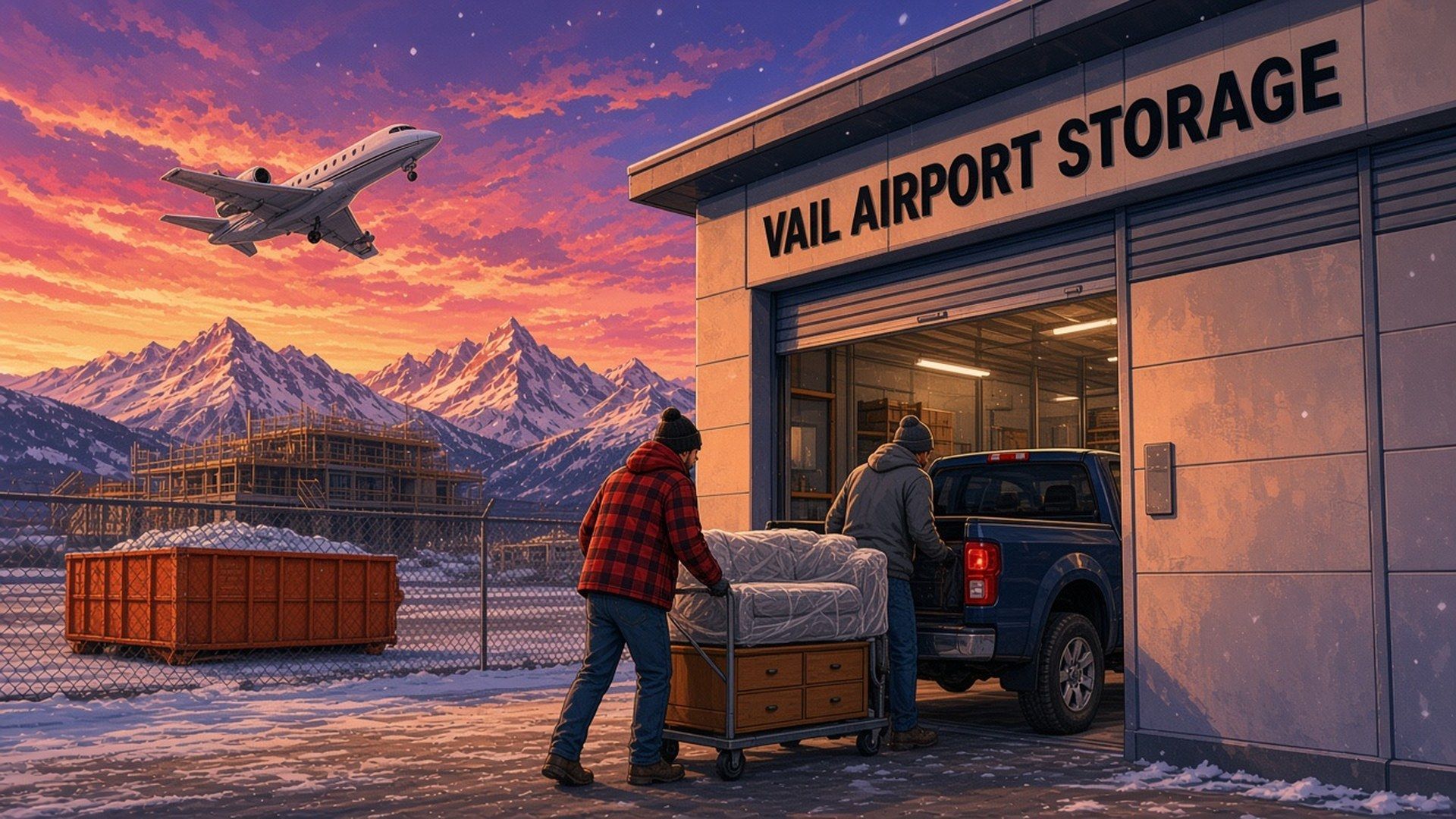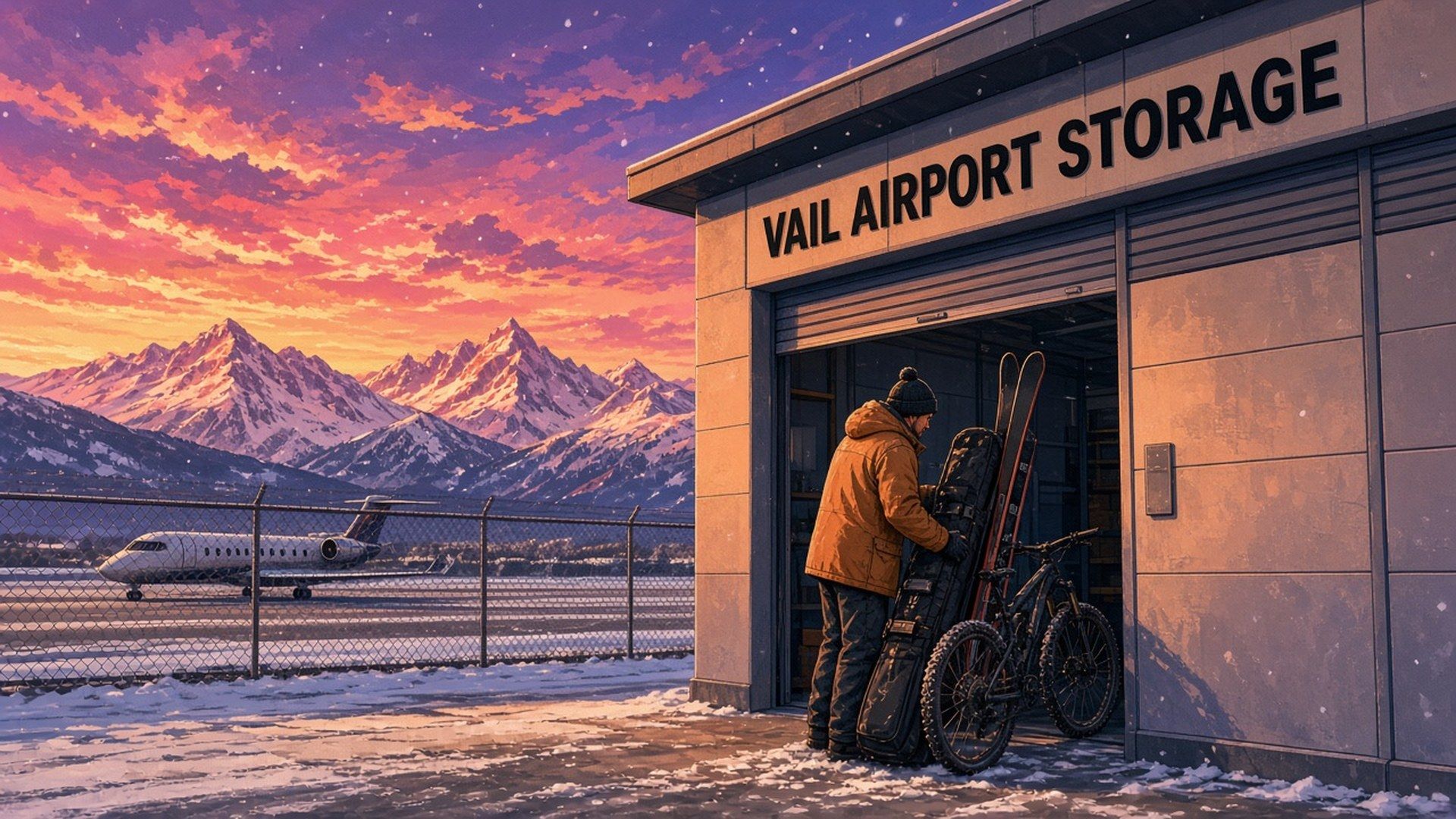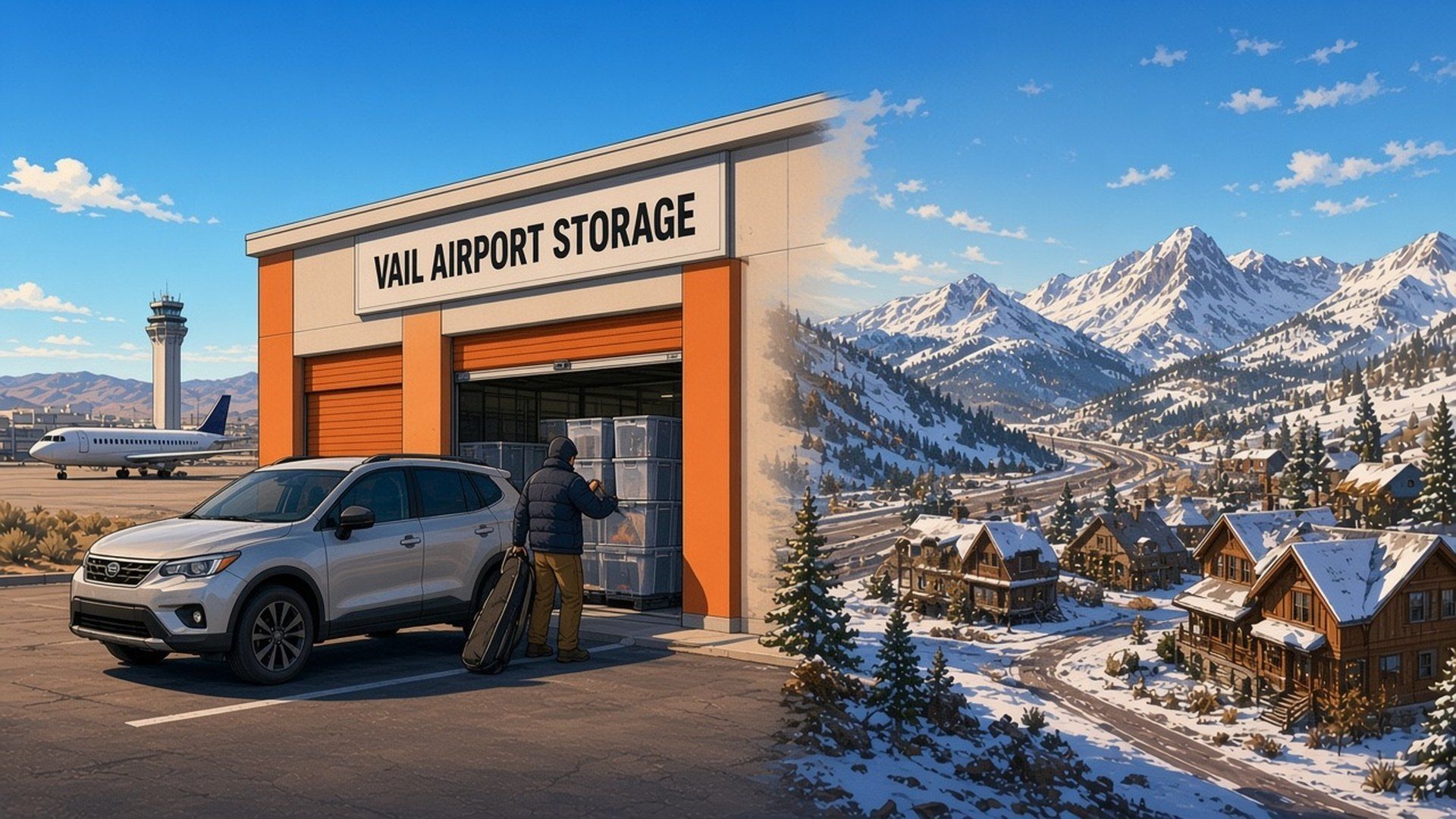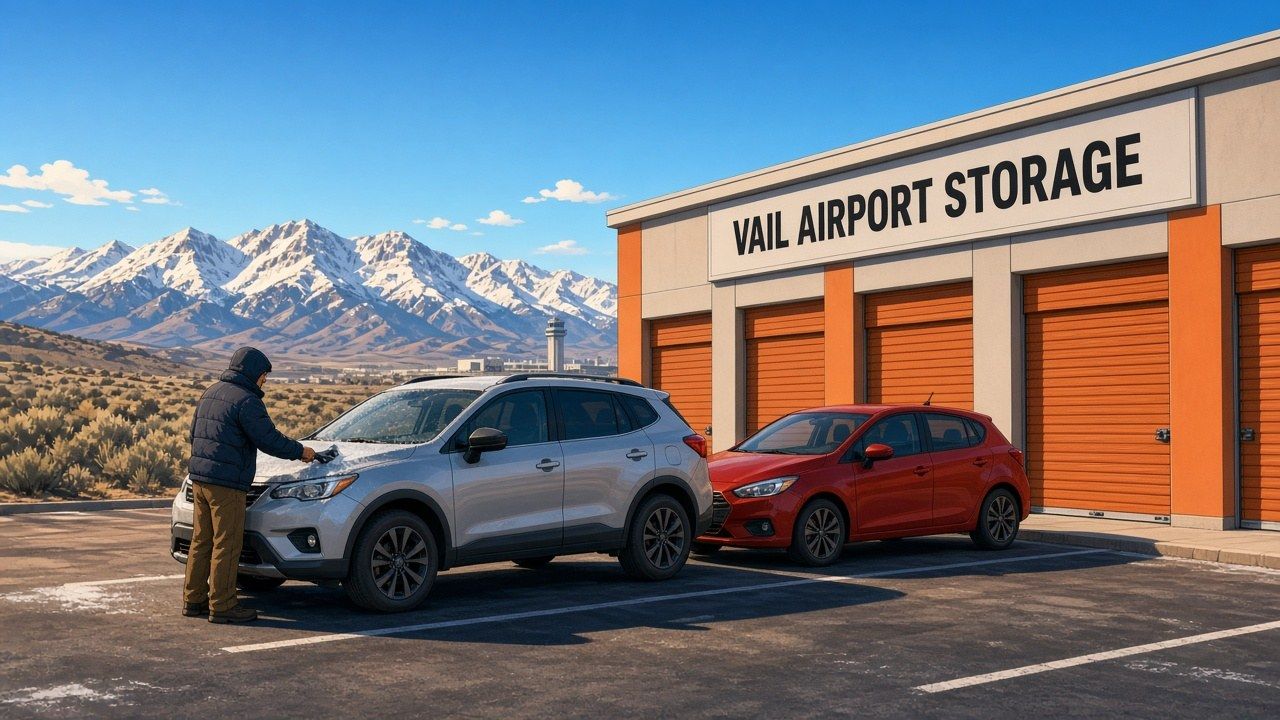
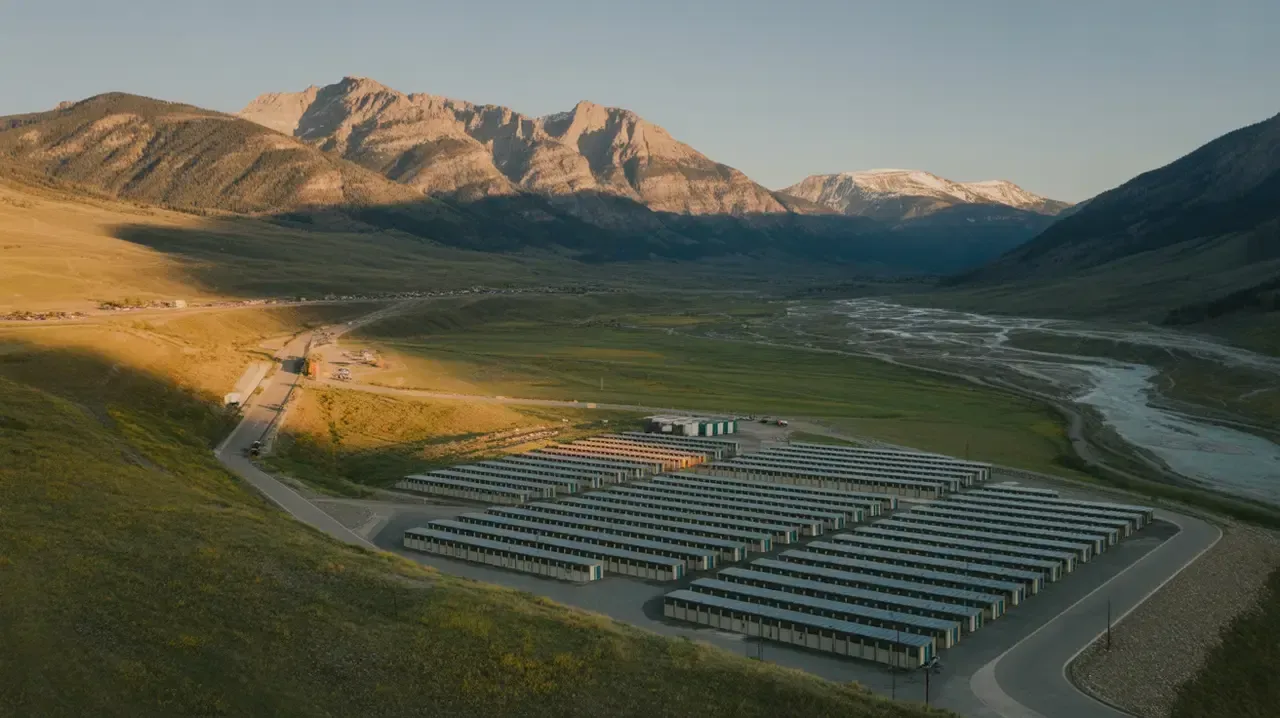
Planning storage from Edwards starts with the belongings you need to move, how often you will visit and the type of access you prefer. Vail Airport Storage is at 500 Plane Street in Gypsum, near Eagle County Regional Airport. This guide helps you compare options for a move, seasonal gear or business inventory.
- Vail Airport Storage is in Gypsum. Check current directions from your Edwards starting point.
- Compare indoor climate-controlled units with separate drive-up options.
- Choose a size using your actual measurements, entrance clearance and retrieval space.
- Tenants have 24/7 access, with Nokē app entry and digital sharing for authorized people.
- Check live listings and the rental checkout for current prices, charges and promotion terms.
Storage Solutions for Edwards Residents
For an Edwards move, renovation or seasonal change, start with a list of what you will store. Decide which items you will need during storage and who will collect them. Those choices help you compare unit size and access.
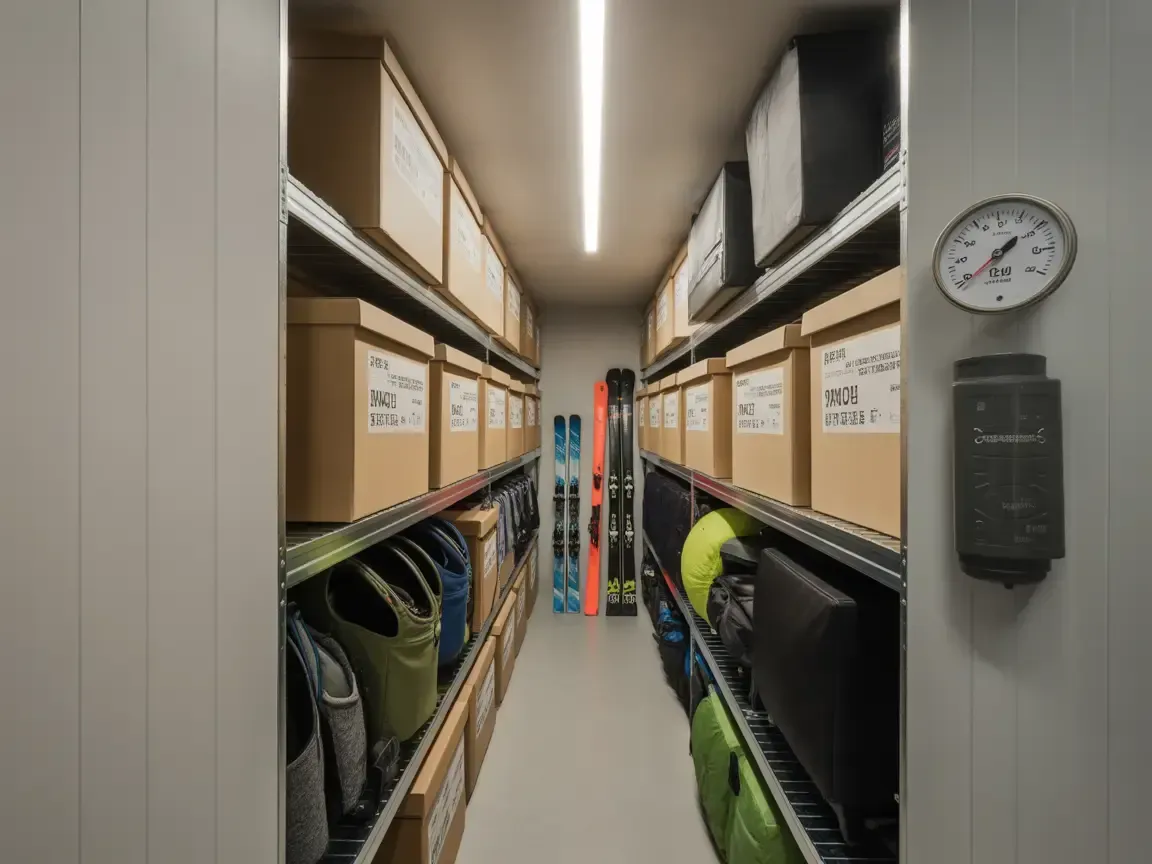
VAS offers indoor climate-controlled units, drive-up units and separate uncovered parking. Indoor units have hallway access; drive-up units let you load and unload at the unit door. Compare the features of the specific listing before choosing.
What Size Storage Unit Do You Need?
These common dimensions show floor area, not a guaranteed household fit or current vacancy. Measure your largest belongings and leave space to reach them:
- 5x5 units (25 square feet): A compact floor area to compare with your boxes and smaller items.
- 5x10 units (50 square feet): Sketch a layout for the furniture and seasonal gear you plan to store.
- 10x10 units (100 square feet): Compare the space needed for your furniture, boxes and access route.
- 10x15 units (150 square feet): Offers 50% more floor area than a 10x10 for a larger inventory.
- 10x20 units (200 square feet): Compare the usable dimensions and entrance with your larger belongings.
- 10x30 units (300 square feet): A larger footprint to consider for bulky household or business items.
Use our storage size guide to compare dimensions, then measure your largest items and plan room for access.
Understanding Storage Costs in Eagle County
Compare the current listing for the size and features you need. Use this table to decide which details to check, then review the rate and any charges shown during rental.
| Unit Type | Features to Check | Planning Notes |
|---|---|---|
| Standard Drive-Up | Drive-up access; individual unit dimensions | Measure bulky items and the entrance before move-in. |
| Climate-Controlled | Indoor access; listing-specific climate features | Check any item-specific storage conditions. |
| Drive-Up with Power | Power and lighting on selected drive-up units | Check available power, lighting and permitted uses with the team. |
| Open Parking | 8 x 15 ft uncovered spaces; current availability | Confirm acceptance and fit of the entire vehicle or trailer. |
Use live availability to compare current options. If a promotion is offered, check which unit qualifies, how long it lasts and the rate that follows.

VAS Options for Edwards Residents
Vail Airport Storage offers indoor climate-controlled units, drive-up units and uncovered parking at 500 Plane Street, Gypsum, CO 81637. Our Edwards storage page brings together facility details and links to current availability.
If you combine storage visits with travel through Eagle County Regional Airport, plan the route and allow time for loading and unloading. Tenants have 24/7 facility access.
Review the Total Rental Cost
Compare the full rental total, including any charges shown at checkout and the coverage arrangements that apply. Review the agreement before paying.
When comparing storage options, always ask about:
- Administrative or setup fees
- Security deposit requirements
- Protection-plan or qualifying coverage requirements
- Rate lock guarantees
- Move-out notice requirements
Climate-Controlled Units for Mountain Living
Items stored between seasons or during a move can have different temperature and moisture requirements. Choose storage around the instructions for your belongings and the conditions available in the selected unit.
Check the Requirements of Your Belongings
Use these examples to plan your preparation and the questions to ask:
Ski and Snowboard Equipment: Clean and dry gear before storage, and follow the manufacturer's instructions for maintenance and storage conditions. Plan access so you can retrieve it before the next season.
Wooden Furniture: Follow the maker's guidance for preparation and storage conditions. Measure larger pieces and check the entrance and route to the unit.
Electronics and Appliances: Check the manufacturer's storage instructions, prepare the equipment as directed and keep the information you need for setup after storage.
For delicate artwork or photographs, ask a conservator about suitable packing and storage conditions.
Wine Collections: Ask a specialist about the conditions your collection requires. Do not assume a general storage unit provides dedicated wine-storage conditions.
Musical Instruments: Follow the maker's storage guidance and confirm any required conditions before selecting a unit.
Climate-Controlled Options at VAS
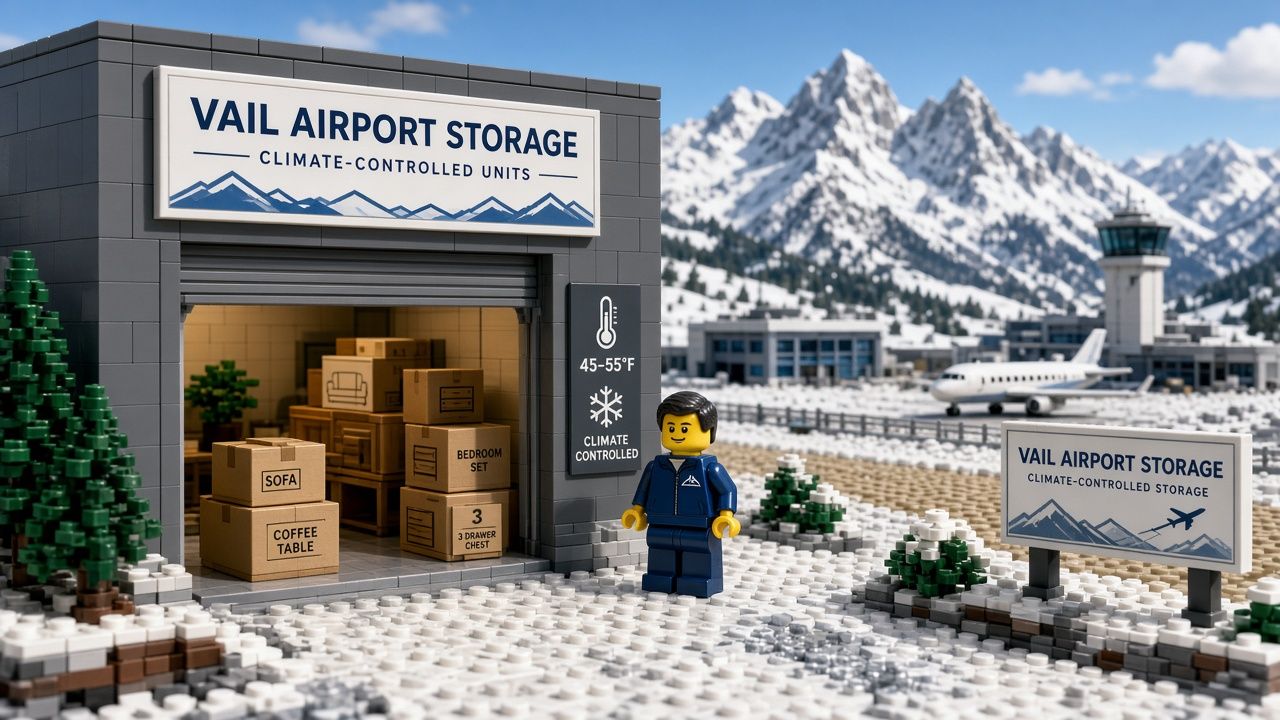
Selected indoor units at Vail Airport Storage are climate-controlled, with thermostat settings of 55 to 77 degrees Fahrenheit. Drive-up units are a separate option. Check the individual listing and contact the team if your belongings need specific conditions.
Plan Your Visit from Edwards
Use 500 Plane Street, Gypsum, CO 81637 as your destination and check directions for your starting point and travel date. Road, traffic and weather conditions can affect the trip.
Plan Around Your Move or Seasonal Visit
Make a list of what you will drop off or collect, and allow time for loading. If someone else will visit the unit, arrange authorized digital access before they travel.
24/7 Access for Busy Schedules
Tenants have 24/7 access to the facility and their storage units. These are tenant access hours, not staffed office hours.
After signing your lease, follow the Nokē Smart Entry setup instructions before your first visit. Call or text (970) 200-8540 if you need help.
Smart Lock Technology and Security Features
VAS uses Nokē Smart Entry for gate access and built-in smart locks on enclosed storage units. Parking spaces do not have a unit-door lock.
Using Nokē Smart Entry
Set up the app using the instructions provided after your lease is signed. Keep access limited to the people you authorize.
App-Based Entry: Use Nokē Smart Entry for the gate and your enclosed unit. The gate also has a keypad backup; contact the team for help with access instructions.
Built-In Unit Locks: Enclosed units include smart locks, so you do not need to buy or bring a separate padlock.
Digital Key Sharing: Share access with authorized family members, friends or coworkers and revoke it through the app when it is no longer needed.
Access Help: If you cannot connect through the app, try reconnecting through Wi-Fi or mobile data. Call or text (970) 200-8540 if you still need help.
Additional Security Measures
Facility features include:
- Gated access through Nokē Smart Entry.
- 24/7 video surveillance.
- Lighting along the driveways and building exteriors.
- Built-in Nokē smart locks on enclosed units.
- Digital access sharing and revocation for authorized people.
Read the facility FAQ for access and rental details. For a specific concern, contact the team before choosing a unit.
Compare Current Costs and Rental Terms
Start with the unit or parking space that meets your needs. Compare its current price and rental terms for the period you expect to use it.
What to Check in the Rental Offer
Before completing a rental, review:
- Listed Rate: The price for the selected unit and the charges shown at checkout.
- Promotion Terms: Eligibility, duration and the rate after any introductory offer.
- Coverage Arrangements: The available protection-plan or qualifying insurance options and their terms.
- Rental Terms: VAS rentals are month-to-month. Check the agreement's notice and move-out requirements.
Estimate the total for your expected stay using the actual offer. Compare the features you need as well as the price.
Comparing Value Across Options
Consider these details alongside the quoted total:
Included Features: Does the price include climate control, 24/7 access, and security features, or are these add-ons?
Coverage Requirements: Review the current agreement and ask whether your existing policy meets its requirements for off-site storage.
Access Hours: Limited access hours may create inconvenience that outweighs modest savings.
Location Convenience: A slightly higher rate at a closer facility may save time and fuel costs over months of use.
Contract Terms: Month-to-month flexibility versus long-term commitments affects both cost and convenience.
Frequently Asked Questions About Edwards Area Storage
Can I Sleep in My Storage Unit for One Night?
No. VAS storage units are for belongings only and cannot be used to live or sleep in. Arrange accommodation separately from your storage rental.
What Is the Cheapest Method of Storage?
Compare current listings for the smallest suitable space and the features you need. Measure your belongings, leave room for access and review the full rental total. No single unit type is always the cheapest option.
What Should I Do if I Fall Behind on Payments?
Contact the facility promptly about your account. Keep your contact details current and review your rental agreement and any notices you receive. Ask the team about the next steps for your specific situation.
Will a Car Fit in a 10x20 Storage Unit?
A 10x20 has an advertised 200-square-foot footprint, but that does not confirm that a particular vehicle fits or may be stored inside. Check the full vehicle dimensions, entrance clearance, turning room and permitted use with the team. Follow the vehicle manufacturer's storage guidance.
How Should I Choose Storage for Ski Equipment?
Follow the equipment manufacturer's preparation and storage instructions. VAS has indoor climate-controlled and separate drive-up options; compare the selected unit's features with your gear's requirements. Contact the team if you need specific conditions.
Making the Right Storage Choice for Your Edwards Lifestyle
An Edwards household may need space during a move, renovation or change of season. A business may need to store inventory, tools, records or supplies. VAS units can store permitted business belongings, but cannot be used as a workspace or for customer meetings or power-dependent operations.
Choose the size and access around your inventory, how often you expect to visit and who needs access. Keep a simple list of where belongings are stored.
Check the selected listing, plan your route and review the rental agreement. For a facility overview, use our Edwards storage page; for unit planning, use the size guide.
Call or text (970) 200-8540 with your questions before renting. The team can help you compare current options and clarify access or unit features.
Compare Storage Options in Gypsum
Compare current Vail Airport Storage units at 500 Plane Street in Gypsum. Check the selected listing's features and availability, or call or text (970) 200-8540 for help.
View Available Units